Project docs
Write README files, specs, plans, notes, release notes, and checklists.
The native Mac Markdown editor for real files and folders.
Open a .md file, browse a project folder, edit in plain text, and preview the result without creating a vault, account, or app database.
No account or payment card is required for the trial. After it ends, your documents remain viewable; an activated serial unlocks editing. Stripe checkout identifies the seller as 3sparks labs llc, the company behind Okra.
Version 2.0.0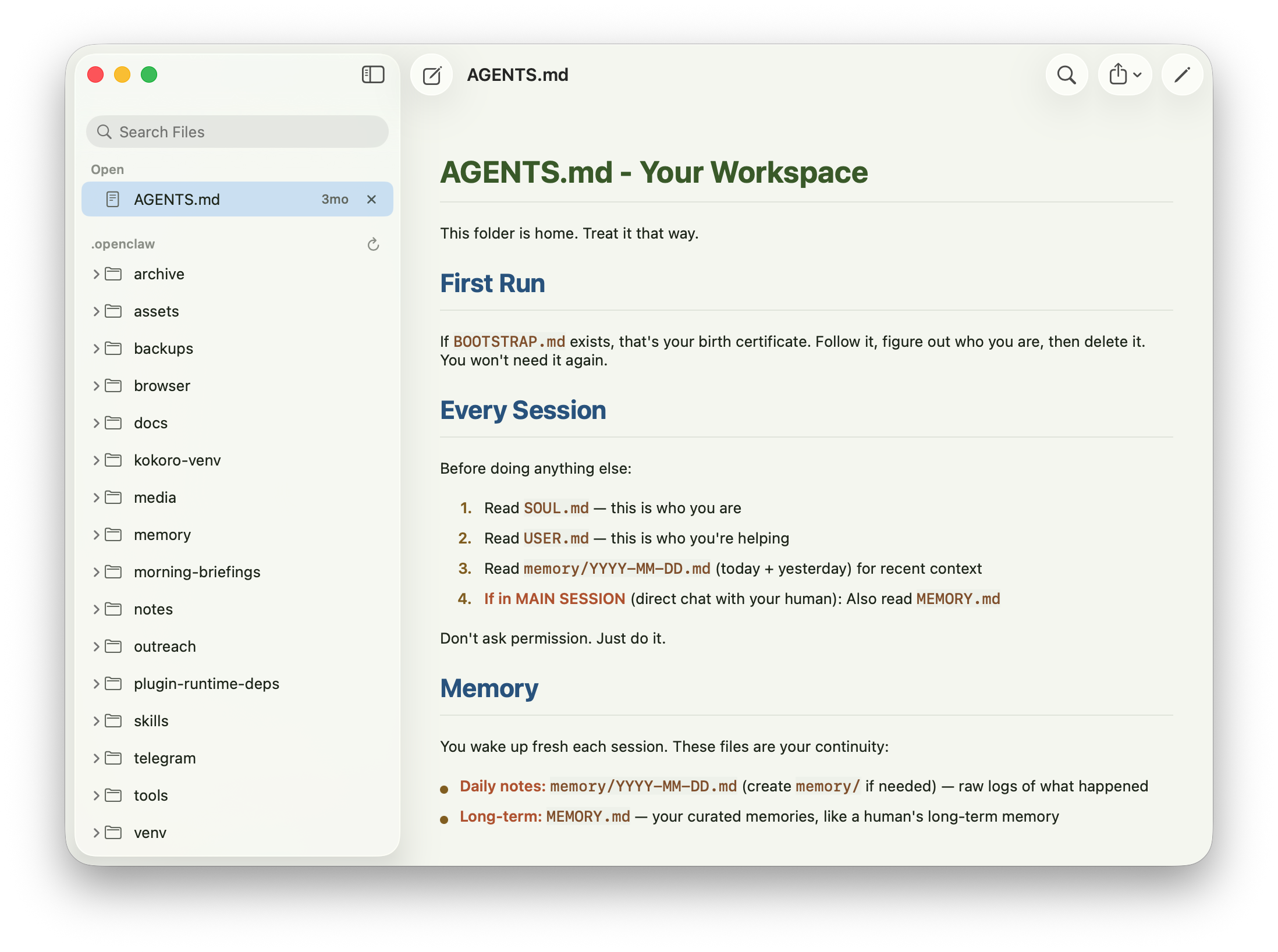
Everyday Markdown.
A small set of practical tools for Markdown files that need to stay readable anywhere.
Write README files, specs, plans, notes, release notes, and checklists.
Make quick changes right from the preview.
Render Mermaid diagrams, code blocks, callouts, and structured project docs in context.
Use images stored next to your Markdown files.
Check off Markdown task lists from the preview and save the change back to the file.
If another editor, script, or AI tool changes a file, Okra can refresh safely.
Okra 2 for Mac
Download Okra 2 and use it free for 7 days with no account or payment card. When the trial ends, documents remain viewable, but editing requires an activated serial. A serial costs $14.99; purchase through Stripe and the license server will email it to you. Checkout lists 3sparks labs llc, the company behind Okra, as the seller.